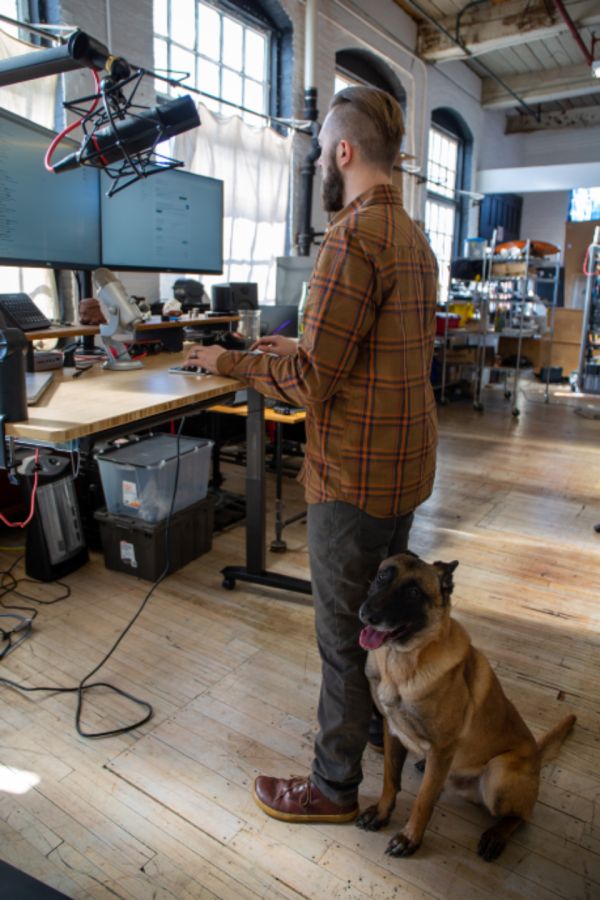

A well-arranged workstation does not need expensive equipment. Most of the benefit comes from adjusting what you already have, in the right order.
1. Start with the chair
Set the seat height so your feet rest flat on the floor and your thighs are roughly level. Use the backrest to support the natural curve of your lower back.
2. Bring the desk and keyboard to you
Your elbows should rest comfortably near your sides with forearms roughly parallel to the floor. Keep the keyboard and mouse close together so you are not reaching.
3. Position the monitor
Place the screen about an arm's length away, with the top of the screen near eye level. If you wear bifocals, a slightly lower screen is usually more comfortable.
4. Keep moving
Even a perfect setup is not meant to hold you still. Change position often and take short movement breaks throughout the day.
Get independent, evidence-based ergonomic guidance before you commit your budget.
Request a Consultation